Integrations for the productivity ecosystem (Notion, Figma, and friends)
An independent overview of integrations across the productivity ecosystem. Patterns and opportunities in docs, design, chat, and tasks. Category examples only, not claimed partnerships.
The productivity stack is where a lot of B2B work actually happens: documents, design files, tasks, and the chat thread that holds them together. Customers already live in those tools. An integration that meets them there can remove a copy-paste step they run every day. An integration that merely "connects to a popular app" sits unused. The difference is not the brand. It is whether you picked a real workflow.
This is an independent overview. PartnerMatch is not affiliated with Notion, Figma, or any other tool named here. Those names are category examples of docs, design, chat, and project surfaces, not claimed partners. Confirm current APIs, OAuth scopes, and listing rules in each vendor's own developer documentation, including Notion's developer docs and Figma's API. This post sits under SaaS integration strategy and next to native vs iPaaS vs embedded. Score candidates with a partner ICP before you spend a sprint.
The 60-second version
- Start from the workflow, not from a famous docs or design tool. If you cannot name the step customers currently do by hand, you are not ready to build.
- Four surfaces cover most of the ecosystem: docs and wikis, design and whiteboards, chat, and tasks / projects. Your product usually has a natural home in one, maybe two.
- The repeating patterns are few: send a record into a doc, embed a live object in a canvas, notify and act in chat, sync a status into a task.
- Pull beats prestige. Customer requests, lost-deal notes, and daily tab-switching matter more than which tool is currently discussed.
- Native for the deep, daily connection. iPaaS or a lightweight listing for the long tail. Embedded if you want many connectors inside your own UI.
- Auth, scopes, and webhooks are the real work. Productivity APIs are often object-heavy and permission-sensitive. Least privilege is part of fit.
- A directory listing is distribution, not a strategy. Treat it like any marketplace: a conversion surface you maintain, not a trophy.
- Do not build four surfaces at once. Pick one job on one surface, ship it, measure weekly active connections, then add the next.
What "productivity ecosystem" actually means
For integration planning, productivity is four surfaces customers already have open.
Docs and wikis. Specs, meeting notes, knowledge bases. The pattern is: your product produces a record and the customer currently pastes it into a page, or they copy a page into your product. The official Notion developer surface (pages, databases, blocks, OAuth) is one example of how this category exposes objects. Others look similar even when the brands differ.
Design and whiteboards. Files, frames, comments, libraries. The pattern is: an approved asset has to move, a frame has to be referenced from a ticket, or a comment has to become a task. Figma's API documentation is one example of a file-and-node model.
Chat. Channels, slash commands, unfurls, approvals. The pattern is: a moment that currently costs a tab switch should happen in the thread. Chat is often the glue between the other three surfaces.
Tasks and projects. Issues, boards, owners, due dates. The pattern is: a thing that happened in your product should become a tracked item, or a change in the tracker should update your product.
The point of the map is not to integrate with everyone. It is to see where your object has a reason to appear. A billing product rarely belongs in a design file. A DAM often does. Tech partnerships for SaaS starts from workflow for this reason.
Integration patterns that show up across tools
Once you ignore brand, the builds cluster.
Create or update a page from a record. Deal closed, incident resolved, spec approved: write a structured page or database row. One-way is fine if nobody needs to round-trip. If they edit the page and expect your product to change, you now have a sync problem. Decide that in scope.
Embed a live object. A design frame, a dashboard, a ticket. High value and high maintenance: auth, live updates, and a UI that still works when the host tool changes their embed model.
Notify, unfurl, and act in chat. A link expands. A command looks up a record. An approval happens without opening your app. Chat integrations fail when they only notify. They work when they let someone finish a small job.
Sync status to a task. Map a small set of states. Do not try to mirror the entire data model.
Comments as a bridge, and push approved assets. "Create a task from a comment" can beat a grand unified comment sync. Approved-asset push is where productivity meets DAM or commerce, and it is still a productivity integration if the daily user is a designer.
| Pattern | Typical surface | When it is worth a native build | When it is long-tail |
|---|---|---|---|
| Record to page / database | Docs | Daily spec or handoff, many customers | Occasional export |
| Live embed | Docs or design | The object is viewed in that tool all day | Nice-to-have preview |
| Notify / unfurl / act | Chat | Approvals and lookups already happen in chat | Volume alerts only |
| Status to task | Tasks | Your object is their work item | One-off create |
| Comment to task | Design or docs | Review is the bottleneck | Rare comments |
| Approved asset push | Design | Brand or production path is daily | Seasonal campaigns |
"We integrate with a docs tool" is not a story. "PM can push the accepted spec into the workspace database without retyping acceptance criteria" is. That is the same standard as SaaS integration strategy.
Where the opportunity sits
Customer pull first. Count requests, deal notes, and "we had to paste this into X" comments in support. A tool nobody asked for, however popular in the abstract, is a prestige project. The partnership prioritization framework exists so those projects die at triage.
Tab-switching frequency. These integrations pay off when they remove a step that happens daily or weekly, not quarterly. If the customer opens the other tool once a month, point them at an iPaaS recipe.
System of record. If the docs tool is a snapshot, one-way create is enough. If the design file is the source of truth for the asset, your product should subscribe, not overwrite.
Distribution and technical readiness. Some of these tools run directories. Treat directory presence as upside in the score, not as the reason to build. SaaS marketplace strategy still applies. Read the current official API docs before you promise a date. Object models, rate limits, webhooks, and OAuth scopes vary. If there is no sandbox, put that in the build-cost column.
Do not confuse "our users also use this tool" with "this integration will be used." Overlap plus a painful manual step plus an API you can ship against is the actual opportunity.
Native vs iPaaS vs embedded in this category
The delivery choice is the same one in native vs iPaaS vs embedded. Productivity just makes the mix obvious.
Native when the workflow is core, daily, and you need UX you control: an embed, an in-app picker for a design file, a chat approval. Cost is yours forever.
iPaaS connector when the job is "when this happens, write a row / send a message / create a task" and the customer is willing to wire it. This is the right home for the long tail of docs and task tools you will never staff.
Embedded when you want a catalog of productivity connectors inside your own settings UI without building each one. Useful if "connect to the customer's stack" is part of your product, not a side quest.
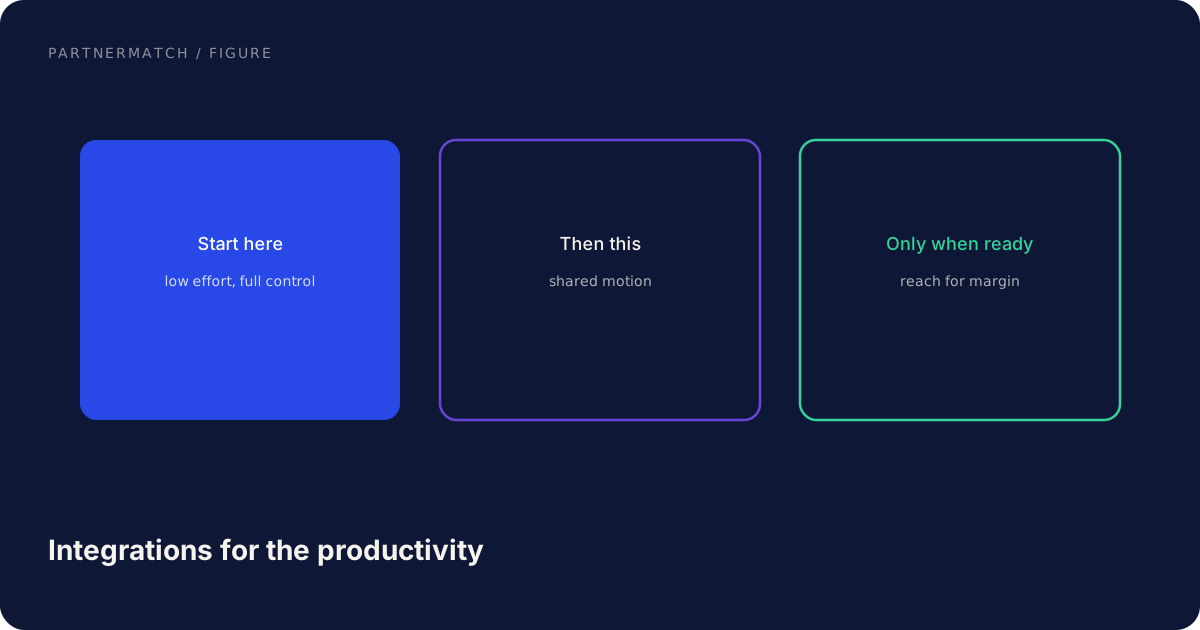
A sensible default: one or two native integrations on the surface where pull is loudest, iPaaS for everything else, embedded only if in-app breadth is a product requirement. Do not native-build a second docs tool because one prospect asked.
| Approach | Best for in productivity | Cost | Depth |
|---|---|---|---|
| Native | Daily embed, picker, in-chat action | High, ongoing | High |
| iPaaS | Long-tail docs, tasks, "when this then that" | Low | Shallow |
| Embedded | In-app catalog of many tools | Recurring platform | Medium, less control |
How to pick the first few
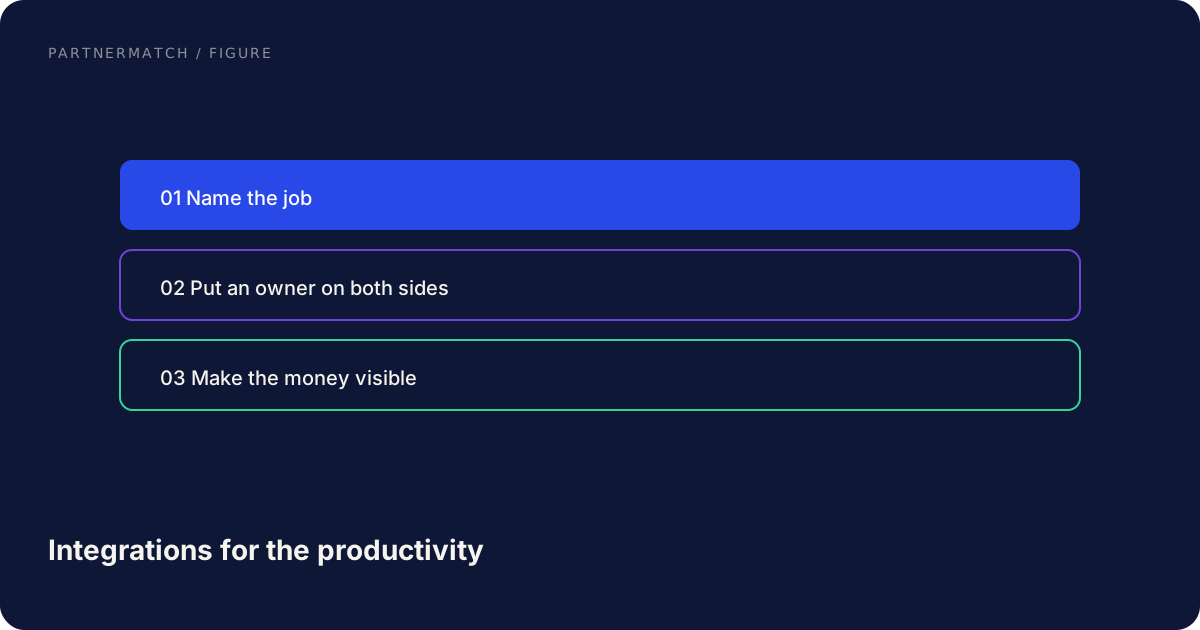
1. Name the object and the step. "Approved asset leaves the design tool and must arrive in our product without a download." If you cannot say this in one sentence, stop.
2. Pick the surface. Docs, design, chat, or tasks. One primary. A second only if the same job spans both.
3. Score two or three tools on that surface, not twenty tools across four surfaces. Customer pull, distribution, build cost, partner readiness. Use the partner ICP dimensions that apply. Complementarity matters: you want a tool that completes a workflow you start, not a tool that does your job.
4. Choose delivery. Native vs iPaaS vs a listing-only presence. Write it down so the next request does not reopen the debate.
5. Scope a thin first version. One pattern, one direction of data, acceptance criteria, a beta. The rest of the tech partnership path still applies.
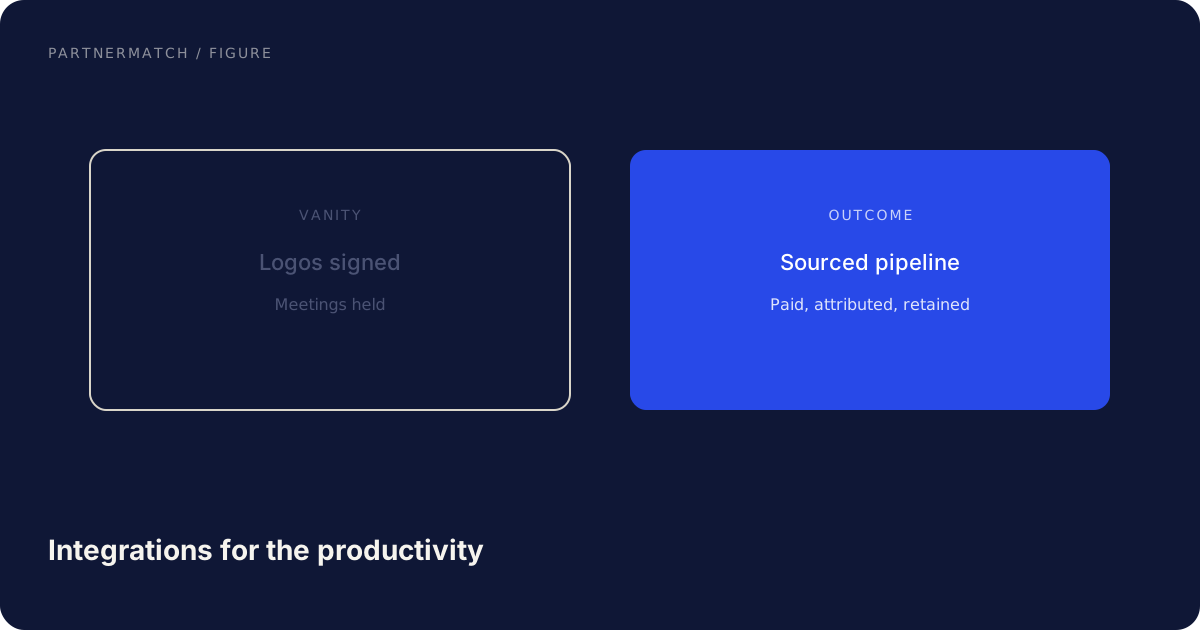
6. Measure weekly active connections, not installs. Freeze or iterate on the workflow before you add the next tool.
Chat is a common first surface because the moment is small and frequent. Design is common if you are in brand or DAM. Docs are common if your object is a spec. There is no universal order, only the order your customers already work in.
Marketplace, listing, and independent notes
Several tools in this ecosystem run directories. Treat each as its own marketplace with its own review, scopes, and listing rules. Read the current official version.
Independent habits that travel: lead the listing with the workflow; request the narrowest OAuth scopes; show a screenshot of the joined workflow; plan for workspace-level installs when the tool is a team system of record; watch activation after listing. Directory installs that never complete OAuth are not adoption. Ranking, fees, and tiers change. SaaS marketplace strategy is the playbook; the vendor's current docs are the rules.
Common mistakes, and the fix
Building for a famous tool because it is famous. The fix: require a named manual step and customer pull. Put the candidate through prioritization and kill it if the step is imaginary.
Shipping notify-only chat apps. The fix: add an action (lookup, approve, create). Notification without a job is how chat integrations get muted.
Mirroring entire data models into docs or tasks. The fix: one pattern, one direction, a small state map.
Native-building the long tail. The fix: iPaaS or a recipe for the third, fourth, fifth docs tool. Reserve native for the daily surface.
Ignoring scopes and workspace auth. The fix: least privilege, workspace installs where needed, a sandbox, and review criteria as acceptance tests.
Counting directory installs as success. The fix: weekly active connections. If they are flat, iterate or freeze.
FAQ
Which productivity tools should we integrate with first? The ones where your customers already do a painful manual step, and where the API is ready enough to ship. The first tool is the one with pull on the surface where your object belongs. A famous name without a workflow is a later, maybe never.
Are Notion and Figma required integrations? No. They are category examples of docs and design surfaces. If your customers live in those tools and you can name the step, they may score well. Confirm any build against the current Notion developer docs or Figma API.
Should productivity integrations be native or iPaaS? Native for the deep, daily connection you want to control. iPaaS for the long tail of "when this then that." Embedded if a catalog inside your product is the point. Most teams need a mix, written down.
What is the most common productivity integration pattern? Record-to-page in docs, notify-and-act in chat, and status-to-task in project tools. Design-heavy products add frame embeds and approved-asset push. Pick one pattern and ship it thinly.
How do we avoid a logo wall of unused connectors? Cap native work at one or two surfaces. Measure weekly active connections. Use iPaaS for the rest. Rescore against the partner ICP when a new request arrives.
Do we need a marketplace listing for these tools? If the tool runs a directory your buyers already use, a listing is useful distribution and sometimes a review gate for deeper APIs. It is not a substitute for a workflow people run.
The short version
The productivity ecosystem is four surfaces, not a pile of brands: docs, design, chat, and tasks. Integrations pay off when they remove a daily manual step on the surface where your object already belongs. The builds repeat: record to page, live embed, notify and act, status to task, comment to task, approved asset push. Native for the deep daily connection, iPaaS for the long tail, a directory listing as distribution rather than as a trophy. Score on pull, tab-switching, system of record, and API readiness. Treat Notion-class and Figma-class products as examples of those surfaces, confirm current APIs in their official docs, and do not build four tools at once.
If you want a short list of productivity integrations scored against your actual workflows, with a native-versus-iPaaS call on each, that is what a Partner Audit is for. We look at the object you own, the surfaces your customers live in, and the first build that will get used.
Further reading
- Notion developers, official documentation for the docs-and-database API surface used here as a category example.
- Figma API, official documentation for the file-and-node API surface used here as a category example.
- SaaS integration strategy for choosing partners from workflows rather than from logos.
- Native vs iPaaS vs embedded for the delivery choice this category makes obvious.