MCP for B2B: pricing, packaging, and access control
How to price an MCP surface for B2B SaaS: plan gating, usage limits, and access control, without turning a distribution channel into a SKU nobody adopts.
You ship an MCP server. A customer asks whether it is included. A second asks whether they can turn it off for some seats. A third's security team wants to know who can call write tools, and what happens when an agent loops. None of those questions is in the spec. They are pricing, packaging, and access control, and most teams answer them in a Slack thread the week after launch.
The Model Context Protocol is an open standard for connecting AI applications to your product. It does not tell you what to charge or which plan gets which tools. Treat the MCP surface the way you treat a partner-ready API: include it where the data already lives, gate the dangerous parts, and put hard limits in the server. This is an independent guide, not a billing tutorial and not a claim about any vendor's fees. The shape does not change: treat MCP as a surface, gate tools by plan, cap usage, and enforce access in code.
The 60-second version
- MCP is a surface on the product you already sell, not a new product. Price it like API access, not like a new line of business.
- Include it first. Put MCP on the plans that already include the data and actions the tools call. Charging extra on day one mostly suppresses the adoption you need in order to learn.
- Gate by capability, not by a vague "MCP add-on." Reads can sit on every paid plan. Writes, admin tools, and higher quotas belong on higher plans.
- Put usage limits in the server. Agents can loop. Cap calls per user, per workspace, and per tool, and make the cap visible.
- Access control is three layers: identity (who is connected), entitlement (does this plan include this tool), and scope (what that user can already do in the product).
- Meter after you have traffic, not before. You cannot price usage you have never seen. Log every call from day one so you can meter later.
- Enterprise needs a kill switch. An admin must be able to disable MCP for a workspace, revoke a connection, and see an audit log.
- Never expose billing, bulk delete, or permission changes as tools. Those stay out of the surface, on every plan.
Treat MCP as a surface, not a SKU
If you already explain what MCP is to customers, the next question is commercial: is this included? The wrong answer is a new SKU named "MCP" with its own price and its own sales motion. That turns a distribution surface into a second product. Buyers who were ready to connect an assistant now have to justify a line item. Adoption stalls, and you never get the usage data that would tell you how to price it.
The better frame is the same one we use in MCP for SaaS: the server is a thin layer over the API and data the customer already pays for. If a user can list invoices in your UI, an agent acting as that user should be able to list invoices through MCP, on the same plan. If a user cannot send a payment in your UI, the agent cannot send a payment through MCP, on any plan. Packaging follows permission. You can still gate write tools or add an overage later. You should not invent a parallel product whose only job is to tax the same data through a new client.
Three packaging models that actually work
Most B2B SaaS teams land on one of three models, sometimes stacked. None of them requires you to pick a magic number. They require you to decide what is included, what is gated, and what is metered.
| Model | What the customer gets | When it fits | Risk if you pick it too early |
|---|---|---|---|
| Bundled | MCP on every plan that already includes the underlying data | First launch, low traffic, you need adoption | You give away expensive write volume before you know the cost |
| Plan-gated | Reads on paid plans, writes and higher quotas on higher plans | You already have plan rungs and want MCP to support upgrades | You hide the useful tools on a plan nobody is on yet |
| Metered | An included quota, then overage or a soft cap | You have real call volume and a cost you can see | You bill for noise (retries, list calls) and customers feel punished for using you |
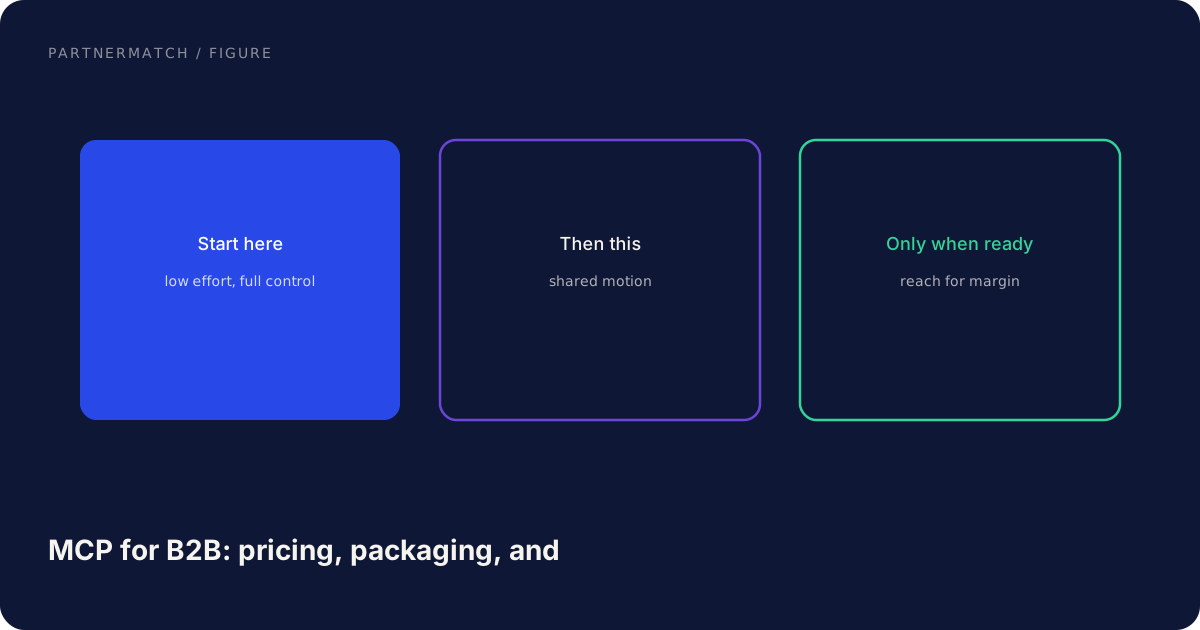
Bundled is the default for a first server, the same way most teams treat API access: included on the plan, limited by rate. Plan-gated is next, and it maps onto partner program tiers thinking: more commitment, more surface. Metered is last, because metering without history is guesswork. A common stack is MCP included on paid plans, write tools on Growth and above, a documented call cap, and an overage conversation only after a customer hits it.
Keep the commercial story short enough for a seller to say in one sentence. "MCP is included on paid plans. Write tools and higher limits are on Growth. We cap calls so an agent cannot loop, and we will talk if you outgrow the cap." If your seller cannot say it, the packaging is too clever.
Plan gating without painting yourself into a corner
Plan gating is how you keep MCP from flattening your packaging. If every tool is on every plan, a free or starter workspace can drive the same write volume as an enterprise one. If every useful tool is locked behind enterprise, nobody connects, and you learn nothing.
A practical split follows the same read, write, never matrix we use in MCP security:
| Tool class | Starter / paid | Growth | Enterprise | Notes |
|---|---|---|---|---|
| Read (list, fetch, search, summarize) | Yes | Yes | Yes | This is most of the value. Do not hide it. |
| Draft write (create draft, propose update) | No or low quota | Yes | Yes | Drafts are the safe write. Prefer them over send. |
| Consequential write (send, publish, pay) | No | Approval required | Approval required, audit | Human confirms. Server enforces. |
| Admin and never (roles, billing, bulk delete, export) | No | No | No | Not a tool. Not on any plan. |
Gating by capability is stabler than a boolean "MCP enabled." A boolean is a cliff. Capability gating lets you say yes to reads and no to send-invoice, without a custom contract. Two rules keep you honest. Do not gate the first useful job: if "show me overdue invoices" is why they connect, it has to work on the plan they are already on. Write the gate in the server, not only in the docs. A page that says "writes are Growth-only" is a suggestion. An entitlement check is a product. Quiet exceptions that turn on write tools for one account become a private SKU you cannot explain.
Usage limits that protect you without blocking adoption
Agents retry, page through lists, and loop when a prompt is vague. A limit that is generous for a human is trivial for a model. Cap the server or one workspace becomes a cost for everyone else.
Set limits in layers:
- Per user, per minute and per day. Stops a looping session from one seat.
- Per workspace, per day. Stops a team-wide agent rollout from becoming a denial of service.
- Per tool. A search tool can be looser than a create-draft tool. A never-exposed action has a limit of zero.
- Result caps. Page sizes, max rows, max export of a search. The cheap way to blow a quota is a tool that returns the whole table.
Publish the numbers. A silent 429 trains people to hate the surface. Return a clear error that names the limit and the reset. A limit a caller can see is a limit they can design around. If you later attach a price, count successful authorized tool calls, not retries and auth errors. Log everything anyway. The log shows which tool is most of the volume, which is how you set a better cap, not a reason to ship a price overnight.
Access control: identity, entitlement, and scope
Packaging only works if the server enforces it. Access control for MCP is not one check. It is three, in order, and each assumes the one above it might be wrong.
Identity. Who is the acting user? Resolve it from the authenticated session, every call. Do not trust a user id or tenant id the agent passed as an argument. Per-user OAuth, inheriting that user's permissions, is the default. A shared service token is a breach with a delay.
Entitlement. Does this workspace's plan include this tool, at this volume? This is the packaging layer. It is a lookup: plan, tool, remaining quota. If the answer is no, return a specific error, not a generic permission denied that the model will retry against a different tool.
Scope. Even if the plan includes the tool, can this user do this action in the product? The server filters at the data layer. MCP does not grant a new privilege. It exposes an existing one to a new client.
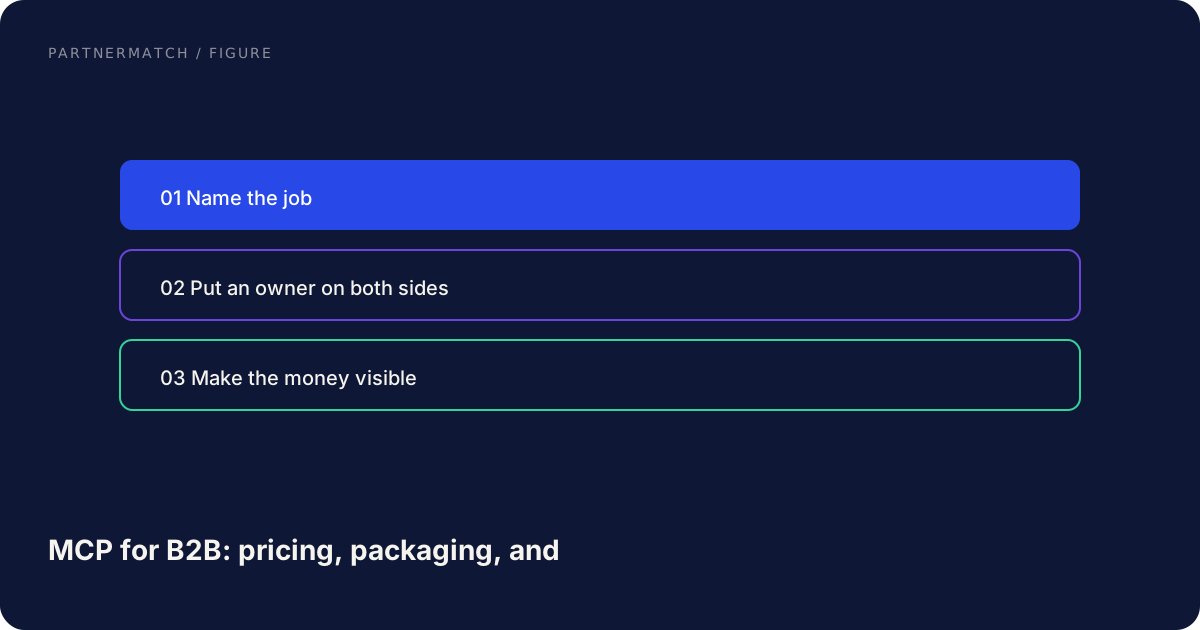
Enterprise buyers will add a fourth control: tenant policy. An admin needs to disable MCP for the workspace, allowlist which tools exist, and revoke a connection without deleting the user. That is not a separate product. It is the admin page you already owe anyone who will put an agent near production data. Pair it with the audit log: who connected, which tool, which arguments, what changed. Security reviews go faster when that page exists.
If you sell through technology partnerships or list on a SaaS marketplace, put that sentence on the listing and the security page. Give sellers three facts: what is included, what is capped, what is never a tool. If a prospect asks to pay extra for a dangerous tool, the answer is no.
Metering without a billing rewrite
You do not need a usage-billing stack to launch. You need a log you trust. Every tool call should write: timestamp, workspace, user, tool, success or error, units (calls, rows returned), and whether it was read or write. With that log you can answer "what would this have cost" before you ever attach a price.
When you do meter, keep the unit obvious. Tool calls are understandable. Tokens the model used inside the assistant are not, because you do not control that number. Pick one primary unit. Map MCP to a plan, an entitlement, and later a metered quota in whatever billing you already run. Stripe's subscription overview describes that lifecycle: provision access when the subscription is active. A downgrade should turn off write tools the same day.
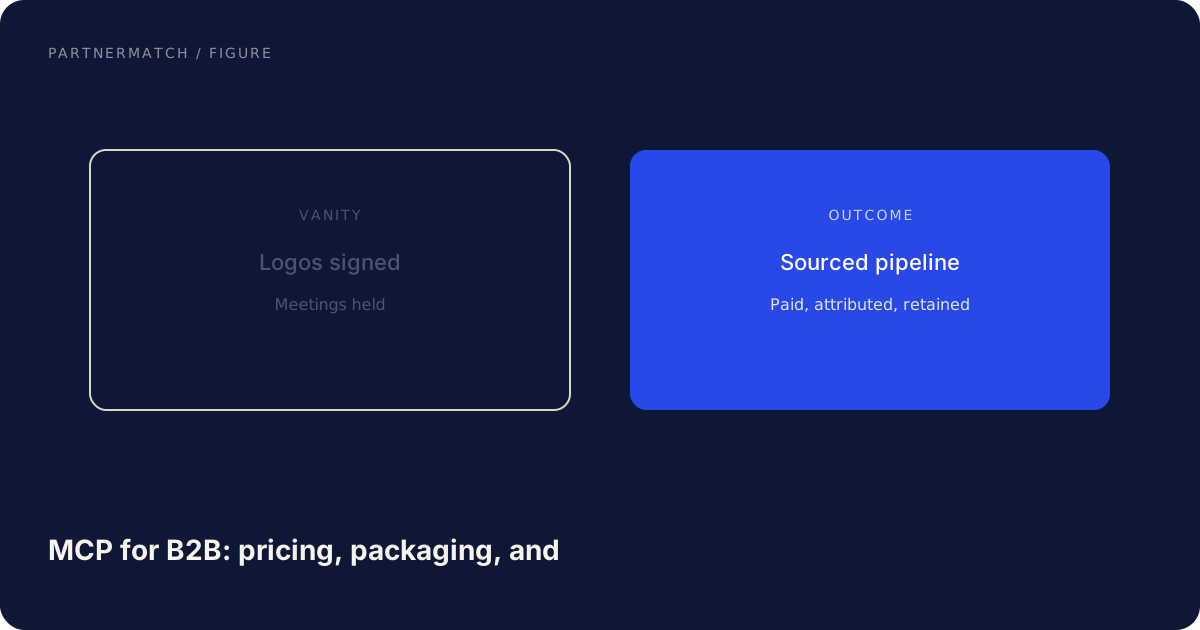
Ship in this order: bundled MCP on paid plans with server-side caps and a full log; watch volume for a quarter; move write tools up a plan if Starter is driving expensive writes; only then add a quota and an overage conversation. Pricing is easy to add and hard to take back. A partner connecting an assistant, including through tech partnerships, is still your customer's tenant, plan, and permissions. Do not invent a partner SKU that bypasses that.
Common mistakes, and the fix
Shipping a separate "MCP add-on" on day one. The fix: include MCP on the plans that already hold the data. Gate writes and quotas. Add a price only after you have usage.
Hiding all the useful tools on enterprise. The fix: put the first real job on the plan your actual users are on. Enterprise gets admin controls, audit, and higher caps, not the only copy of list_invoices.
Limits that exist only in a slide. The fix: enforce caps in the server, return a clear error, and log every call. A documented limit the server ignores is not a limit.
A shared service token for every MCP session. The fix: per-user OAuth and data-layer scope. Packaging cannot save you if every agent is an admin.
Metering before you know the unit. The fix: log for a quarter, pick one unit a customer can understand, and never bill retries and auth failures.
FAQ
Should MCP access be a paid feature? Treat it like API access. Include it on the plans where the data already lives, then meter later if agent traffic gets expensive. Charging for the surface on day one mostly suppresses adoption.
How do we gate MCP by plan without confusing customers? Gate by capability. Reads on paid plans, draft writes on higher plans, consequential writes behind approval, destructive actions on no plan. Write the gate in the server.
What usage limit should we start with? A cap you can defend as protection: per-user and per-workspace call limits, tighter on writes, with page-size caps. Publish the numbers. Raise them with a written exception, not by quietly removing the cap.
Does the agent get more access than the user? No. Identity from the session, entitlement from the plan, scope from the user's existing permissions. If the user cannot do it in the product, the agent cannot do it through the server.
When should we add metered billing? After a quarter of logs that show cost and concentration. Meter a unit a customer understands, usually successful tool calls. If you cannot explain the unit on a call, you are not ready to bill it.
What should never be packaged as an MCP tool? Bulk deletes, permission and role changes, billing operations, and full data exports. Those stay off the surface on every plan. That is the never list, not a SKU.
The short version
Price MCP as a surface on the product you already sell. Include it on the plans that already include the data, gate write tools and quotas by plan, and keep destructive actions off the surface entirely. Put identity, entitlement, and scope in the server, with an admin kill switch and an audit log. Cap usage so an agent cannot loop, log every call, and meter only after you have seen real volume.
If you want help deciding which tools belong on which plan, and how to ship an MCP server that security will actually approve, that is exactly what a Partner Audit is for. We review your product, API, and partner potential, then define what to build, who to approach, and how to ship it.
Further reading
- Model Context Protocol: the official MCP site, spec, and client list. Packaging is your product decision; the protocol is the plug.
- How subscriptions work: Stripe's overview of subscription lifecycle and provisioning access from an active plan, useful whatever billing system you run.
- MCP architecture: how tools, resources, and prompts sit in front of your product, which is what you are actually packaging.