The partner portal: build, buy, or spreadsheet?
When a partner portal should be a spreadsheet, a bought PRM, or a build. Must-have features, a maturity ladder, and how to avoid premature tooling.
Someone on the team says you need a partner portal. They have seen one at a large vendor: assets, deal registration, training, badges, a news feed, a branded login. You get a demo. The demo is impressive. You are three integrations and a spreadsheet into a real program. Buying the portal now would be like buying a warehouse for a shop that still fits in a closet.
A partner portal is a place partners go to get what they need without emailing you. That job is real. The software is optional. This is an independent guide to when a spreadsheet is the portal, when you should buy, and when building is a trap. Mature vendor portals, from Microsoft Partner Center to the Google Partners program, exist because those companies have thousands of partners. You do not. Copy the jobs, not the architecture. If a partner cannot find the current pitch or register a deal without pinging you, you have a portal problem. If they can, and you have twelve partners, you do not have a software problem.
The 60-second version
- A portal is a job, not a product. Partners need a current kit, a way to register deals, and a named owner. Software is one way to deliver that.
- Spreadsheet first. Under a couple of dozen active partners, a well-owned folder plus a tracker beats a PRM you will not administer.
- Buy when the tracker is the bottleneck, not when a vendor demoed a badge system. Volume, deal registration conflict, and partner self-serve are the triggers.
- Do not build a portal as a side project. A custom portal becomes an internal product with no product manager.
- Must-haves are few: current assets, deal registration, contacts, training status, a way to announce a change. Everything else is later.
- Premature tooling creates ghost towns. Partners will not log into a second system you update once a quarter.
- Put the portal where they already work if you can. CRM, shared drive, or the enablement kit hub, not a fourth login.
- Climb a maturity ladder. Do not skip from three partners to a multi-tier community platform.
What a partner portal is actually for
Strip the branding and a portal does four jobs:
- Give them the current truth. Pitch, demo, setup guide, pricing summary, battlecard. One version, old copies gone.
- Take a structured request. Usually deal registration. Sometimes a lead, a support ticket, or a co-marketing ask.
- Show status. Where the deal sits, whether they are certified, which program tier they are on.
- Push a change. Packaging moved, a feature shipped that changes the pitch, a workshop date.
That is it. Logos, gamification, discussion forums, and a public partner directory are optional, and they are the features demos lead with. If those four jobs already work, you have a portal. It might be a Notion page, a shared drive, and three HubSpot fields. Calling it a portal does not make it better.
The failure mode is the opposite of missing software. You buy a PRM, send one login email, and the partner keeps asking you in Slack. The portal is empty. The spreadsheet went stale because "we have a portal now." Two sources of truth, and no truth. The first design choice is not vendor. It is where the partner will actually look, and who on your side will keep that place current.
Spreadsheet, buy, or build
Match the tool to the load, not to the ambition.
| Spreadsheet and a hub | Buy a PRM or portal | Build | |
|---|---|---|---|
| Fits when | Few active partners, one motion, one owner | Deal volume, registration conflicts, partners demanding self-serve | Almost never, unless the portal is the product |
| Strength | Fast, honest, you will actually update it | Workflow, permissions, partner-facing UI | Exact fit, in theory |
| Failure | Breaks when two people edit deal registration and nobody can see status | Ghost town if you do not operate it | A second product you now maintain |
| Cost you will actually pay | Hours of hygiene | License plus an owner who lives in it | Engineering forever |
"Spreadsheet" here means a versioned folder for the kit, a sheet or CRM list for partners and certs, and a form that writes deal registration to the CRM. It is ugly. It works. Partner onboarding does not require a branded login. Buy when the owner is the bottleneck, registration is causing real conflict, and partners will log in because they get status back. If only one of those is true, keep the stack. Build when the portal is your product. "We have engineers" is not a reason.
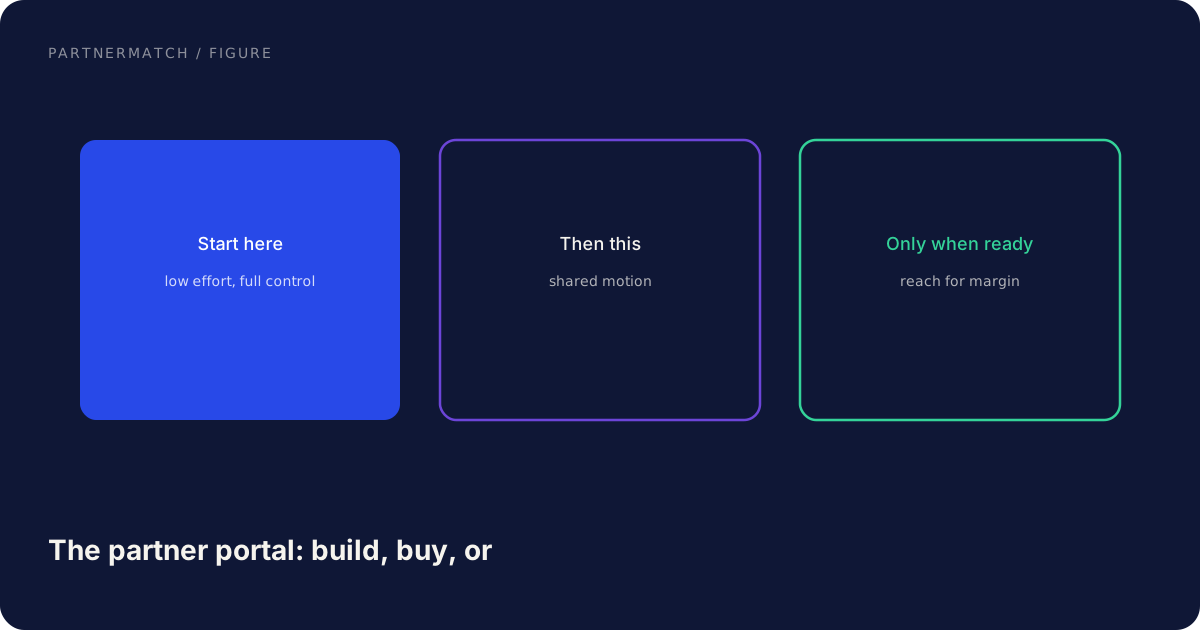
This is not a vendor ranking. Pick from the CRM you already run if it covers the four jobs. Adding a portal that does not talk to the CRM is how pipeline reporting dies.
Must-have features vs nice-to-have
Write the list before you watch a demo. Demos will fill the list for you, in the wrong order.
| Must-have | Nice-to-have | Not now |
|---|---|---|
| Current enablement kit, versioned | In-app content recommendations | Forum, social feed |
| Deal registration into the CRM | Marketing development funds workflow | Public badge wall |
| Partner record: contacts, tier, motion | Lead distribution | Multi-language community |
| Training and cert status | Quizzes and learning paths | Custom gamification |
| Announce a change (email or in-app) | News CMS | Mobile app |
| Permissions so partners see only their deals | Advanced analytics suites | Marketplace of partner-to-partner services |
Must-haves map to the four jobs. If a bought tool cannot register a deal into the CRM you already use, it is not a portal. It is a silo. If it cannot host the kit as the single source, you will still have a drive, and the portal will drift.
Nice-to-haves become must-haves with scale. Do not buy them on day one because they were in the demo.
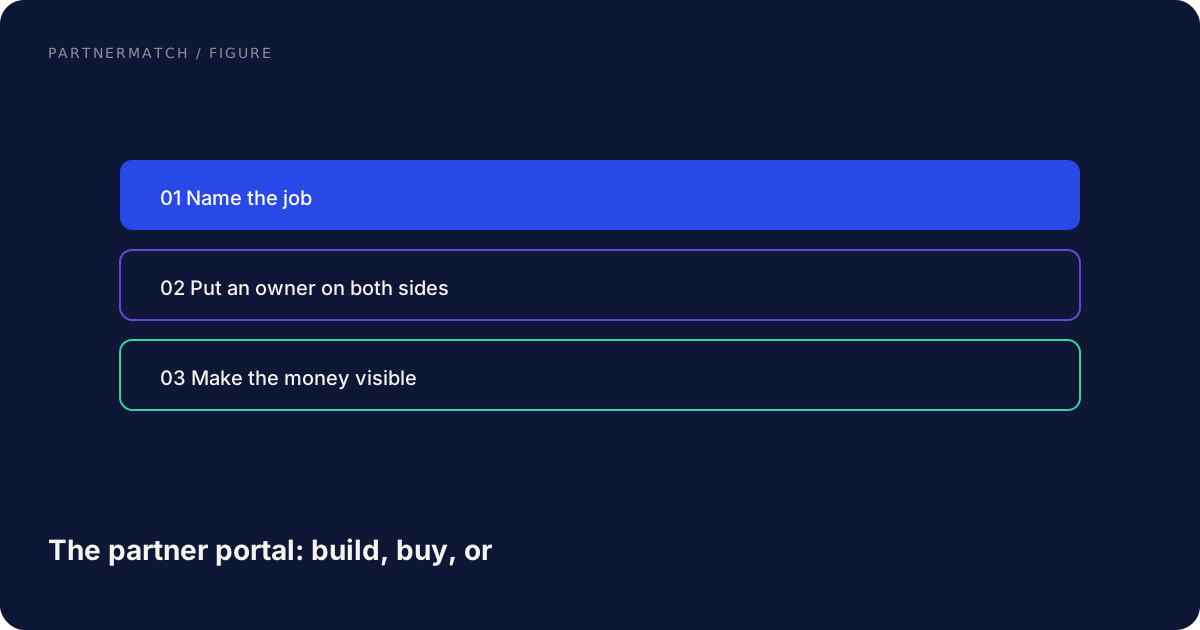
A hard rule: the partner-facing view and the internal view must agree. If a partner thinks a deal is registered and your CRM does not have it, you will spend the quarter in arguments. At small scale, portal and CRM are the same system. At larger scale, the PRM has to write through to the CRM.
When a spreadsheet is the right portal
You are in spreadsheet territory when you can name every active partner without a report. Typical signs: one partnerships owner, one or two motions (referral and co-sell), deal registration that still fits in a form plus a weekly review, and a kit that lives in one folder.
Make the spreadsheet honest:
- Kit in one hub, linked from the top of the sheet. The sheet is not the kit.
- One row per partner, with owner, motion, tier, certified reps, last QBR, next action.
- Deal registration as a form that creates or updates the opportunity in the CRM, not a tab nobody copies.
- A named operator. If that person leaves, the portal is the runbook plus the files, not tribal knowledge.
This is enough to run onboarding, QBRs, and a small co-sell motion. The proof you need more is operational pain: missed registrations, hours spent answering "where is the deck." Partners experience speed and currency, not your stack. A current folder beats a branded login with last year's one-pager.
When buying makes sense
Buy when the operator is the constraint and the CRM cannot give partners a safe view of their own deals.
Triggers that are real:
- Two partners register the same account in the same week and you have no timestamped system of record.
- Certified-rep tracking is a sheet that diverges from reality every month.
- Partners are asking for status without you in the middle, and you want them to have it.
- You have tiers, and benefits actually change by tier, so the partner needs to see where they stand.
What to buy toward: the CRM you already live in, or a PRM that writes to it. Evaluate with a script, not a tour. Can a partner log in, grab the current one-pager, register a deal, and see that deal's stage. Can you revoke access when they leave. Can you export everything if you churn the vendor. If the answer to the last is no, you are buying a hostage.
Budget an owner, not just a license. A PRM with no operator is how you get the ghost town. The owner updates the kit, processes registrations, and kills stale content. That is the same person you would have needed anyway. The tool only pays if it removes copy-paste and conflict, not if it adds a second place to forget.
Large portals put account settings, benefits, and learning behind a login because the partner needs self-serve at volume. You need that too, later, and probably not with that surface area.
When to build, and when not to
Do not build a partner portal because engineering has a gap in the roadmap. A portal has auth, permissions, file versioning, notifications, and audit. That is a product. Exceptions are narrow: partners are already a tenant type in your product, or a vendor cannot meet a hard constraint. Even then, start with the four jobs, not a community.
A first partnerships hire who inherits a half-built portal will spend the quarter being a product manager. Hire for the motion. Buy or spreadsheet the plumbing.
A maturity ladder so you do not skip steps
Climb it in order. Skipping a rung is how you buy a community platform for eight partners.
| Stage | What you run | Tooling |
|---|---|---|
| 1. Kit | One versioned hub, named owner | Folder or wiki |
| 2. Tracker | Partner list, certs, next actions | Sheet plus CRM fields |
| 3. Registration | Form into CRM, conflict rules | Form plus opportunity fields |
| 4. Partner view | They see their deals and assets without you | CRM portal, community cloud, or PRM |
| 5. Program ops | Tiers, MDF, lead distro, learning paths | PRM or a real program tool |
Most startups should live on stages 1 to 3 for a long time. Stage 4 is the first time "portal" is the right word. Stage 5 is a program, which needs metrics and an owner whose job is the program, not a side duty.
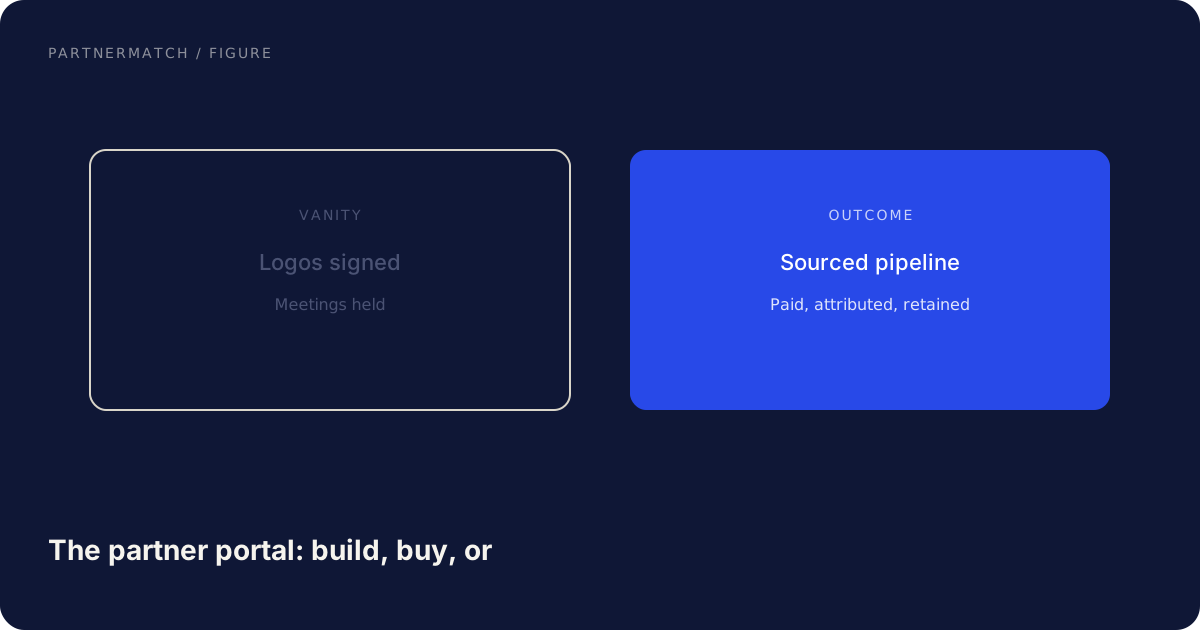
The ladder is also how you say no. A vendor that leads with stage-5 features is selling the top of a building you have not poured. Ask them to show stage 3 and 4, then walk away if those are weak.
Common mistakes, and the fix
Buying a PRM because the demo had badges. The fix: list the four jobs, run a scripted evaluation against the CRM you already use, and buy only if the operator is already the bottleneck.
Building a custom portal as a side quest. The fix: spreadsheet and a hub, or buy. A portal is a product. Treat it like one or do not start.
Two sources of truth. The fix: one kit location, deal registration that writes to the CRM, partner-facing views that read from that CRM. Retire the extra copy.
A login nobody uses. The fix: put assets where they already look, push changes by email or Slack, and only add a login when they get status back that they cannot get elsewhere.
No owner. The fix: a named human who updates the kit and processes registrations. Unowned tooling is how portals become museums.
FAQ
Do we need a partner portal to look serious? No. Partners experience speed and a current pitch, not your stack. A versioned kit and a registration form into the CRM is a portal in practice. Branded logins come later, if they come.
When is a spreadsheet no longer enough? When deal-registration conflicts are real, the operator is drowning in copy-paste, and partners need to see their own status without you. Those three together. One of them is a process problem, not a software problem.
Should the portal live in our CRM? If the CRM can show partners their deals and host or link the kit, yes, start there. A second system that does not write to the CRM will disagree with the CRM, and the CRM will win the budget meeting.
Is it ever right to build our own? Rarely. When partners are already a tenant type in your product, or a vendor cannot meet a hard constraint. Not because you have engineers with spare time.
What features actually matter in a bought tool? Current assets, registration into the CRM, contacts and tier, cert status, a way to announce change, and the ability to export if you leave. Forums and badges are optional.
How do we avoid a ghost town? Update it on the same cadence you update the product pitch, process registrations inside SLA, and only require a login if the partner gets something they want. Empty portals are worse than no portal, because they rot the old spreadsheet too.
The short version
A partner portal is four jobs: current kit, structured requests, status, and change. A spreadsheet and a hub do that for a small program. Buy when volume, conflict, and self-serve demand it, and only if the tool writes to your CRM. Do not build a portal as a side project. Climb a maturity ladder so you are not paying for a community platform your partners will not open.
If you want a clear picture of which partner ops are worth tooling and which should stay in a kit and a CRM, that is exactly what a Partner Audit is for. We review your product, API, and partner potential, then define what to build, who to approach, and how to ship and sell it together.
Further reading
- Partner Center account settings: Microsoft's documentation for how partners manage access and program settings in a full-scale partner portal. A reference for jobs at volume, not a build spec for a startup.
- About the Google Partners program: Google's public description of a tiered partner program with a partner-facing place for benefits and learning. Use it as a shape, not a shopping list.