Building an internal partner dashboard with AI
How to auto-build an internal partner dashboard from call transcripts and CRM fields, what to surface for operators and execs, and how to keep the view trustworthy.
Most partner dashboards are either empty or decorative. Empty, because nobody updates the CRM after the call. Decorative, because the board that does exist counts logos and meetings while sourced pipeline sits in a spreadsheet the founder does not trust. Building an internal partner dashboard with AI is an attempt to fix both: pull structured fields from the work you already do, write them through a review gate, and show the few numbers that actually describe the program.
This is not a new system of record. The CRM, or a thin table beside it, stays the record. The dashboard is a view. AI helps keep the view current. A person still confirms the fields that would change a forecast, and the definitions still have to match partnership metrics finance will accept. This guide covers the sources, what to surface, the trust model, and a build path that starts with a useful board rather than a platform project. It pairs with updating a CRM from transcripts and AI tooling for partnerships.
The 60-second version
If you only read one section, read this one:
- A partner dashboard is for operating the portfolio and reporting outcomes, not for counting activity. If a tile cannot change a decision, it does not belong on the exec view.
- Sources already exist: call transcripts, email threads, CRM stages, tickets, integration health. AI extracts; it should not invent a second pipeline.
- Surface stage, next step, owner, blocker, and a short health read per partner, plus a handful of program outcomes.
- Every extracted field that can move a forecast goes through a confirm step. The dashboard fails closed: no human, no write.
- Trust is freshness, definition, and audit. Stale confirmed data beats live guessed data.
- Build the view first by hand, then automate the fields that rot.
- Accessibility and security apply to internal tools too. If only one person can read the board, it is a private notebook.
- AI is a tool. A person owns the number you show a founder.
What an internal partner dashboard is for
Two jobs, often on the same board.
Operate. The partnerships lead needs, per partner: where it sits, what happens next, who owns that, what is stuck, who the contact is. Without that, the week is reconstructed from memory. This is the layer AI helps most, because the facts already appeared on a call.
Report. A founder or finance partner needs the program in a few outcome numbers, with definitions that do not change every quarter. Follow partnership metrics: sourced pipeline, influenced pipeline, integration adoption, time to first live integration, partner-attributed revenue if you have it.
If you mix the two without labeling them, you get the usual failure: a slide of meetings held, because those are easy to extract, while the outcome row is blank, because nobody defined sourced. AI will happily fill the easy tiles. Refuse those tiles on the exec surface.
The dashboard is internal. Sharing a sanitized snapshot in a QBR is fine. Giving a partner live access to your extracted blocker field is how a sloppy phrase becomes a diplomatic incident.
Sources: transcripts, CRM, tickets, email
You do not need a new warehouse. You need to be honest about which systems already hold the truth.
Call transcripts. Best for next step, blocker, new contacts, momentum. Extraction should carry a source quote, the same pattern as AI CRM from transcripts. Consent to record is a prerequisite.
Email threads. Best for commitments and dates. Worse for stage, because email is polite and lagging.
CRM. Best for amounts, close dates, and the official stage after a human has confirmed it. Worst if it is already rotten. Automating a dashboard on top of a rotten CRM paints the rot.
Tickets and integration monitoring. Technical health: error rate, time since last successful sync. This is how an "all green" relationship shows a red integration.
Spreadsheets you are embarrassed by. Often the real sourced-pipeline list. Migrate the definition into the CRM or show the sheet as a sourced object. Do not extract a third version with AI.
| Source | Good for | Weak for | Gate |
|---|---|---|---|
| Transcript | Next step, blocker, contacts | Amounts, legal terms | Confirm before CRM write |
| Commitments, dates | Stage | Confirm | |
| CRM | Amount, official stage, owner | Anything nobody updates | Definitions, not extraction |
| Tickets / monitoring | Integration health | Relationship context | Thresholds you set |
| Partner's data | Overlap, if you map | Anything beyond the agreement | Privacy rules from mapping |
The extraction job is unstructured to structured, with quotes. The write job is only confirmed fields. The dashboard job is to show those fields, the outcome metrics derived from them, and a freshness stamp.
What to surface, and what to leave off
Per partner, a tight ops card: stage (sourced, scoping, building, launched, stalled, sunset); next step, owner, and date ("Send sandbox credentials, us, Friday," not "keep warm"); blocker class (decision, dependency, access, legal, the same classes as integration projects); current contacts; a short health flag treated as a signal, always confirmed; integration pulse if there is a live connection (active usage, error rate).
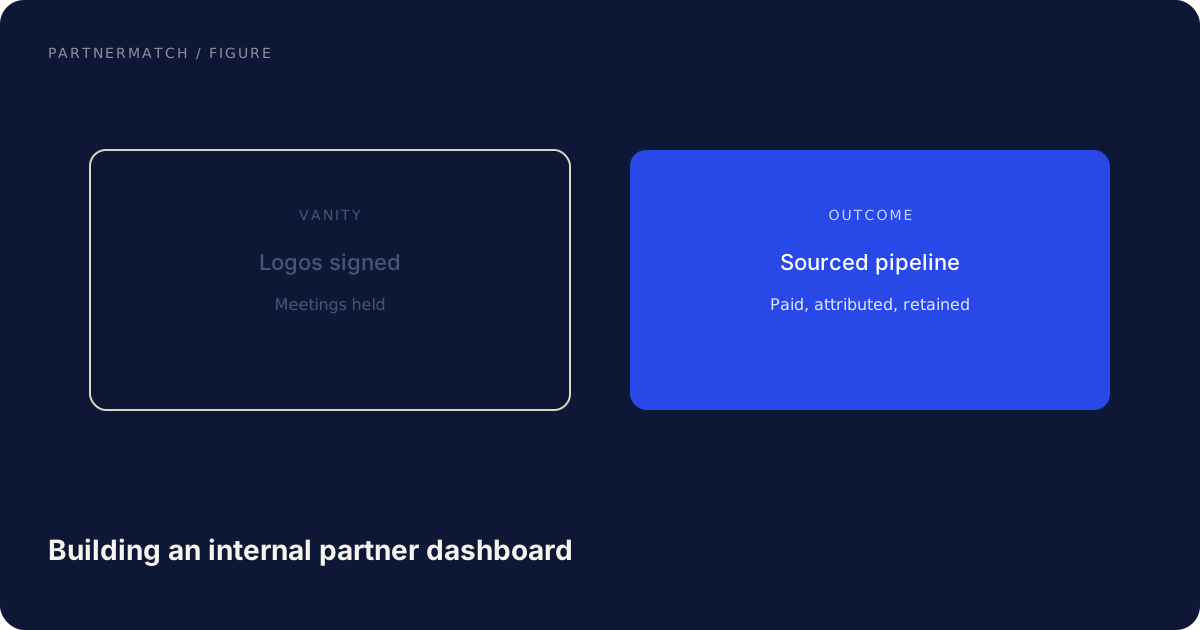
Program view, the tiles that belong in front of a founder: sourced pipeline and revenue, influenced pipeline, integrations live and integrations with weekly active usage, time to live, and a trend. Print the definition on each tile.
| Layer | What belongs | What does not |
|---|---|---|
| Ops table | Stage, next step, owner, blocker, last confirmed | AI prose that restates the card |
| Exec tiles | Sourced, influenced, active usage, time to live | Partners signed, meetings held, emails sent |
| Operator tab | Activity counts, queue depth | Anything presented as the program's health |
| QBR export | Exceptions plus the same four tiles | A new deck of vanity counts |
Leave off the exec view: number of partners signed, emails sent, meetings held, "AI insights" that restate the card. Those can exist for the operator. They are vanity when they are the first thing in the screenshot.
Operators live in the table. Execs live in the four tiles plus exceptions. A partner QBR can print the same exceptions rather than a new activity deck.
Trust: confirmation, audit, freshness
A dashboard people do not trust gets rebuilt in slides.
Confirmation. Extracted fields that change stage, amount, or next step require a human ok. Fail closed: if nobody reviewed, the last confirmed value stays, and the tile shows stale rather than guessed. Sentiment and inferred roles never auto-commit. Use the same queue as the CRM write, not a second one.
Audit. If a partner is marked launched, you can point to the date and the evidence. If a deal is tagged influenced, you can point to the intro, the attached seller, or the call quote. AI-applied tags without a source will be challenged the first time the number is large.
Freshness. Show when each partner card was last confirmed, and when the outcome tiles were last computed. A board that looks live but is three weeks old is worse than a dated export.
Partner names, blocker text, and pipeline amounts are sensitive. Role-based access, no world-readable links, retention on transcripts. Internal does not mean public-to-the-company. NIST's Cybersecurity Framework is a sensible overlay: know what you store, who can see it, and what you do if a transcript dump leaks.
Color-only status, unlabeled axes, and cards that cannot be used with a keyboard will fail the first time someone other than you operates the week. The WCAG 2.2 quick reference applies to internal dashboards. If trust and freshness conflict, pick confirmed and dated.
Metrics and a build path that stays small
If the ops layer is current and the outcome layer is vague, you have built a nicer to-do list. Use the three-tier stack from partnership metrics: activity stays on the operator tab; output can sit in the middle; outcome is the exec row. AI extraction does not create sourced pipeline. Sourced still means the partner originated a deal that would not exist otherwise. Influenced still means a defined touch on a deal that already did.
Print the definition on the tile. Definitions drift the moment a new hire retags twenty deals. Integration health belongs next to adoption: installs, weekly active connections, error rate. An AI summary that says "the integration is healthy" is not a substitute.
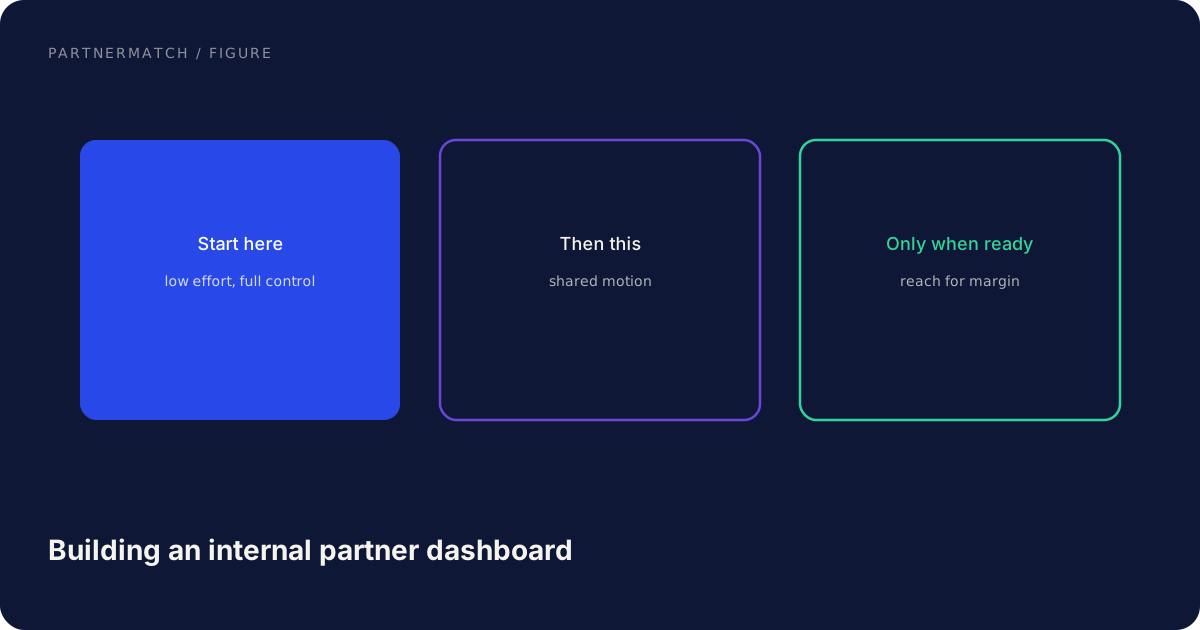
Do not begin with a platform RFP. Fill the tiles by hand for a week. If you cannot fill them, you have a definition problem. Then paste a call into an assistant with your schema and source-quote rule, the test in the AI partner toolkit. Only then write back through a gate. Buy when your CRM and recorder already do extraction you can review. Build when your stages or blocker classes are specific. Name an owner. A dashboard with no owner will be wrong by next quarter.
Common mistakes, and the fix
Showing activity because extraction is easy. The fix: exec view is outcomes plus exceptions. Meetings held live on a second tab.
Auto-writing stage from a transcript with no confirm. The fix: fail closed. Proposed stage, human ok, then the tile updates.
A second pipeline in the dashboard that does not match the CRM. The fix: one system of record. The dashboard is a view.
No freshness stamp. The fix: last confirmed date on every card and every outcome tile.
Building a custom platform before a paper board works. The fix: fill the tiles by hand for a week. Automate only the fields that rot.
Ignoring access and accessibility because it is internal. The fix: least privilege on transcripts and amounts, and a board a colleague can actually use.
FAQ
Should the dashboard replace the CRM? No. The CRM holds the fields. The dashboard displays them. AI proposes updates; a person confirms; the record changes; the view follows. Two systems of record is how numbers fork.
What is the minimum useful dashboard? A table of partners with stage, next step, owner, blocker, last confirmed date, plus four outcome tiles with printed definitions.
Can we auto-build the exec tiles from transcripts alone? Not the outcome tiles. Transcripts are good for ops fields. Sourced and influenced pipeline come from tagged deals with definitions.
How do we keep the board trusted after the first month? Keep the confirm queue short, show freshness, do not change definitions quietly, and name an owner. When someone challenges a number, walk to the source quote or the CRM tag.
Is a bought partner-ecosystem platform required? Not at the start. Many teams get far with a CRM, a recorder, a review queue, and a simple view. Buy when matching and co-sell registration are the bottleneck, not when you still lack definitions.
Does this work for a founder who is the whole partnerships team? Yes. A fifteen-second confirm after each call is cheaper than rebuilding the quarter from memory the night before a board meeting.
The short version
Building an internal partner dashboard with AI is how a small team keeps a current ops view without turning the week into data entry. Transcripts and threads become proposed fields. A person confirms. The CRM stays the record. The dashboard shows confirmed ops cards and a short row of outcome metrics with definitions that match partnership metrics. Do not let easy activity tiles crowd out sourced pipeline, influenced pipeline, adoption, and time to live. Show freshness. Restrict access. The model keeps the view current. The number you show a founder is still a human decision.
If you want help choosing the metrics, the partner set, and the integrations behind the tiles, that is exactly what a Partner Audit is for. We review your product, API, and partner potential, then define what to build, who to approach, and how to ship it.
Further reading
- WCAG 2.2 quick reference: success criteria that apply to internal dashboards as well as public pages.
- NIST Cybersecurity Framework: a practical overlay for access, data handling, and incident thinking on internal tools.
- NIST Privacy Framework: useful when transcripts and partner names sit in the same store as pipeline.