MCP tools, resources, and prompts: what to expose first
The three MCP primitives, how they differ, and how to pick the first customer job and a small, safe surface for a SaaS MCP server.
Most first MCP servers fail in the same way. The team mirrors the API. Eighty endpoints become eighty tools, a few resources get bolted on because the spec mentioned them, and prompts are left for later. An agent then has to choose among overlapping names, guesses, and either stalls or writes something the user did not ask for.
The Model Context Protocol gives you three primitives on purpose: tools, resources, and prompts. They are not three ways to wrap the same endpoint. Tools are actions the model can take. Resources are data the model or the user can read. Prompts are prebuilt workflows a person can trigger. A good first server uses a few of each, aimed at one customer job, not a tour of your object model.
It assumes you already know what MCP is and why it is a distribution surface for SaaS. For the build, use building your first MCP server. For the interface, use MCP tool definitions. Here we decide what to expose, and in what order.
The 60-second version
If you only read one section, read this one:
- Three primitives, three jobs. Tools act, resources are read, prompts start a workflow. Do not collapse them into "just tools."
- Pick one customer job first. Frequent, valuable, a little tedious, and already possible in your product today.
- Expose 5 to 10 tools that complete that job, named for the action, not the route. Leave the rest of the API off the server.
- Lead with reads. Search, get, list. Writes come next, as drafts, with a human in the loop.
- Resources are for stable context, not for every list endpoint. Offer the records and files the job needs.
- Prompts are for the workflows you want done well. A named "weekly pipeline review" beats hoping the user types the right paragraph.
- Some actions never become tools: bulk delete, permission changes, billing, full exports. Keep a never list.
- Grow the surface from usage, not from the endpoint list. Add a tool when a real job is failing.
The three primitives, defined for operators
A tool is a named function the model can invoke, with a description and a typed input schema. The model decides this is the right action, fills the arguments, and the client calls your server. Official shape: the MCP tools documentation.
A resource is data the client can read by URI: a record, a file, a report. The client lists or reads it and can pass it into context, without a get_* tool for every object.
A prompt is a templated workflow a user or a client UI can start. You offer a known-good sequence: "Prepare a renewal brief for this account."
The MCP specification treats these as separate server features. You can ship only tools. You should not pretend resources and prompts are just more tools.
| Primitive | Who initiates | What it is for | First-server default |
|---|---|---|---|
| Tool | Model, with user approval on writes | Do a job in the product | 5 to 10, one job |
| Resource | Client / user, sometimes the model via a URI | Read stable context | A handful of record types the job needs |
| Prompt | User through the client UI | Start a known workflow | One or two for the same job |
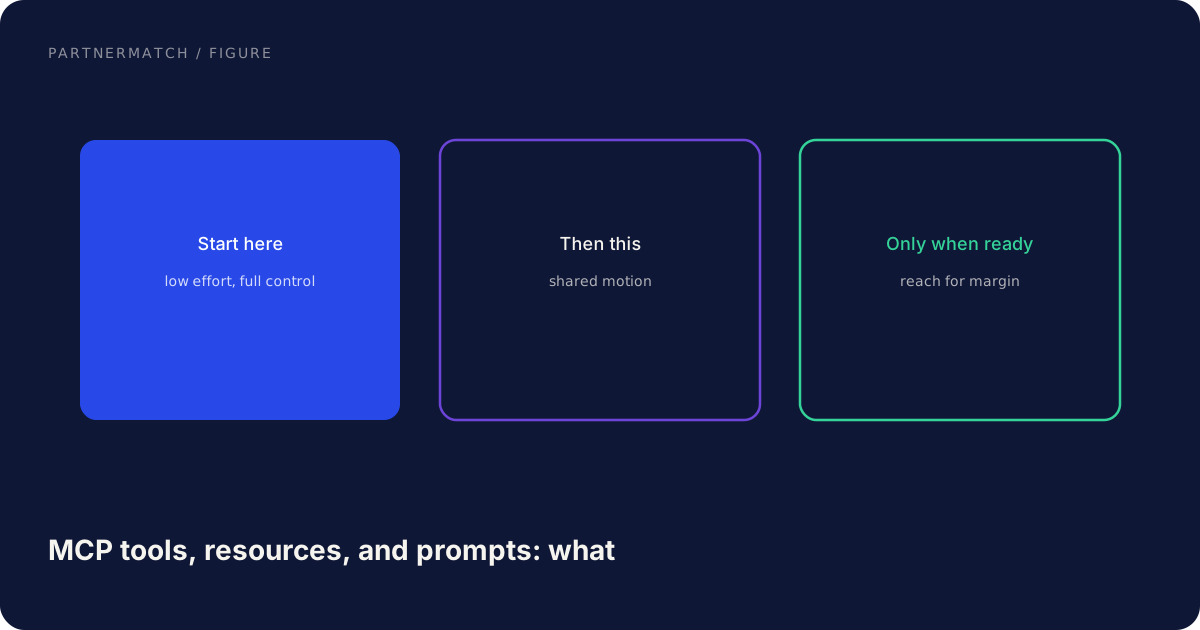
Tools change what the agent can do. Resources change what it can see. Prompts change what a user can start without writing a brief from scratch.
Tools: actions an agent can take
Tools are the default primitive, and they are where over-scoping happens. An agent has to pick. Choice quality drops as the list grows and as names overlap. Five sharp tools beat forty that all "manage records."
Design each tool as a job, not an endpoint. Name it search_invoices, get_invoice, create_invoice_draft, not get_v2_billing_invoices. Write a description that says what it does, when to use it, and when not to. Type every input. Return output structured enough that the model can take a next step. Map one tool to one action. A manage_invoice tool with a mode flag is how you get the model to update when the user asked to fetch. That mapping is the whole of MCP tool definitions.
Separate read tools from write tools in the set you ship. Reads can be generous within the user's permissions. Writes need a smaller verb, a draft where you have one, and an approval step in the client. That split is also the core of MCP security.
Do not expose bulk destroys, permission or sharing changes, billing, API key creation, or a full-tenant export. A person can do those in your UI. An agent should not.
Resources and prompts: context and a way to start
Resources are underused because tools can fake them. get_customer is a tool that returns a customer. A customer:// resource is the same bytes with a different contract: the client can list, fetch, and keep it as context without spending a tool call on every peek.
Use resources when the data is stable enough to name with a URI, useful as context, and shared across tools in the job. Do not turn every list endpoint into a resource tree. Offer the record types the first job reads, plus a small current-user or current-workspace resource. Cap what a read returns. Auth is per user. A resource URI is not a capability token unless you designed it that way.
Prompts are a named template with arguments. The user picks "Draft a follow-up from this overdue invoice," fills invoice_id, and the client starts with the right instructions and tools already in view. That is product work: encode the job the way your best CSM would brief an assistant. Name prompts in the customer's language, take one or two ids, and stop before the irreversible step. One or two that complete the first job are enough.
Choosing the first job
Do not start from the endpoint list. Start from a job a specific person already does in your product.
A first job that works is frequent, valuable, slightly tedious by hand, and already possible. You are wrapping a working path, not inventing a workflow the product does not support. Examples: "Find overdue invoices and draft reminder emails." "Summarize this account's last six tickets." Score candidates. Pick one. Everything else waits.
| Candidate job | Frequent | Valuable | Tedious | API-ready | First? |
|---|---|---|---|---|---|
| Weekly pipeline review | Yes | Yes | Yes | Yes | Strong |
| One-off data migration | No | Yes | Yes | Maybe | No |
| "Anything the API can do" | n/a | n/a | n/a | Yes | Never |
| Change billing plan | Rare | High risk | No | Yes | Never |
| Search and explain a record | Yes | Medium | Medium | Yes | Good second |
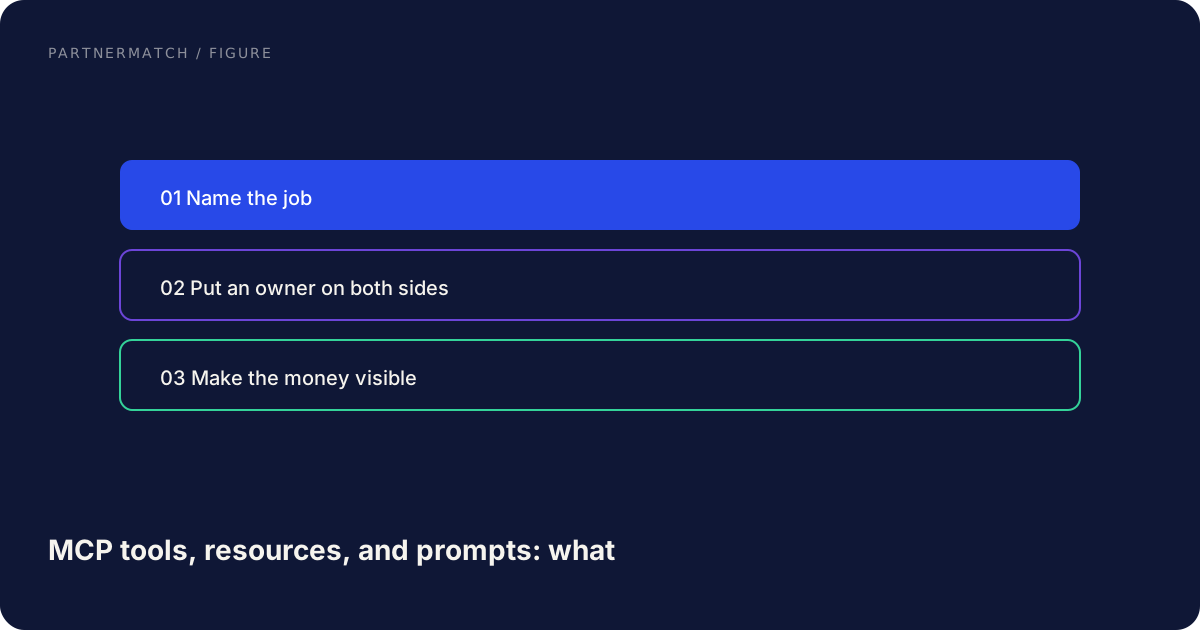
If two jobs are tied, pick the one that is read-heavy. You will ship faster and sleep better.
Scoping the surface
Once the job is picked, list the steps a careful human takes. Each step is a candidate tool, resource, or prompt. Then cut.
A worked example: overdue invoices, draft reminders.
- Prompt: "Draft reminders for overdue invoices."
- Tools:
search_invoices,get_invoice,get_customer,create_reminder_draft. Notsend_reminderin v1. - Resources: a single invoice URI, a single customer URI, maybe workspace settings for tone.
- Out: list all invoices, delete invoice, change tax settings, export the ledger.
That is six tools at most, three resources, one prompt. An agent can finish the job. A user can start it from the prompt. Nobody can empty the account.
If two tools overlap, merge or rename. If a tool is only there because the API has the route, drop it. If a write has no draft, add a draft or drop the write. Write the never list next to the tool list. MCP security is the longer form of that list.
| Class | First server | Later, if usage shows it | Never |
|---|---|---|---|
| Read | Search, get, list-small | Broader filters | Unbounded export |
| Write | Create draft | Commit with approval | Bulk delete, permission, billing |
| Resource | Job records | More types the job grew into | Whole-tenant dumps |
| Prompt | One job starter | A second job | A prompt that sends or pays |
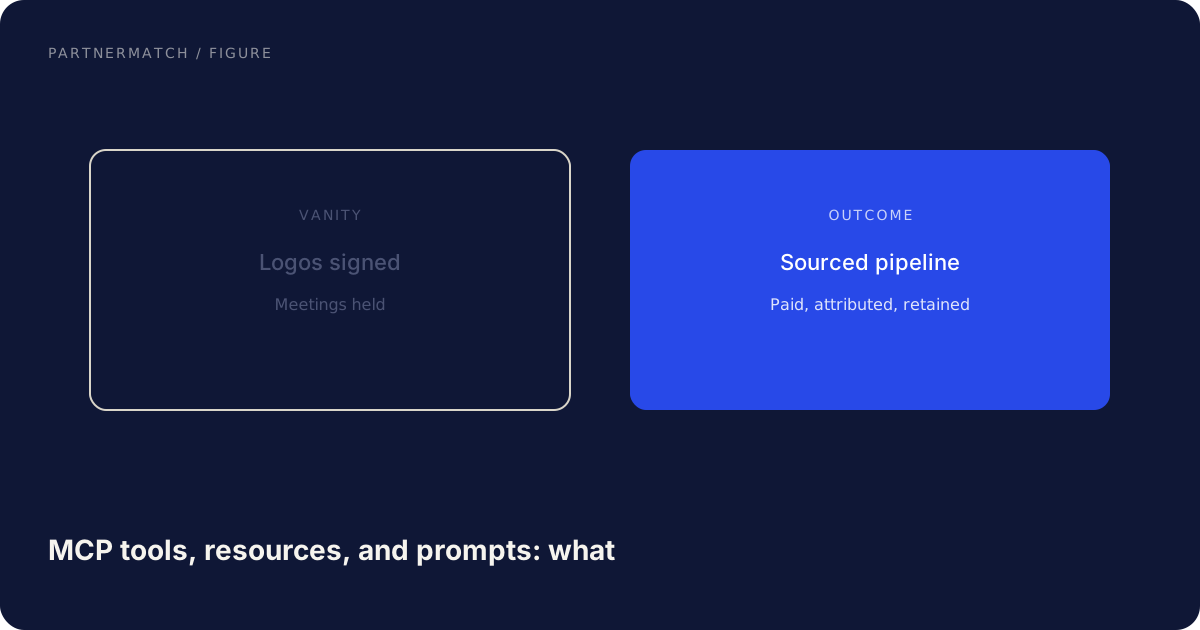
A read-only first job still has to be real. "Search and explain" is a job. If the only jobs anyone wants are writes, keep them as drafts: the agent produces a payload, a person clicks send. When you add writes, one object type at a time, smallest verb, approval for anything that leaves the system, an audit row. The protocol's tools guidance is explicit that a human should be able to deny invocations. Do not hide ten side effects inside one tool.
How the three work together on one job
The primitives are not a menu you pick one from. On a well-scoped server they stack.
The user starts a prompt: "Weekly pipeline review for my book." The client loads the prompt text, which tells the model to use search_deals and get_deal, and not to close anything. The model calls tools to search and fetch. It reads resources for the two deals it will talk about, so the next turns do not require a refetch. It writes nothing. It returns a brief. If you later add create_task_draft, the same prompt can end with "draft next steps," still short of sending.
That stack is the product. Tools without a prompt make the user invent the brief. Tools without resources spend extra calls on refetch. Resources without tools are a read-only file tree. Prompts without a tight toolset hallucinate steps you do not support.
Keep the three aimed at the same job until that job is used. Then add the second job as a second prompt plus the few tools it lacks. That is how the surface grows without turning into a mirrored API.
Native connectors, iPaaS, and the public API still serve other buyers. MCP is the agent-facing port, described in connectors, agents, and third-party workflows. Do not wait to unify every surface before you ship five tools.
Common mistakes, and the fix
Mirroring the API as tools. The fix: pick one job, list the human steps, and expose only those. Five to ten tools, not the endpoint count.
Making everything a tool. The fix: records the agent should read as context become resources. Known workflows become prompts. Tools stay actions.
Shipping writes before reads are trusted. The fix: lead with search and get. Add drafts. Commit only with approval. Keep a never list.
Vague names and descriptions. The fix: name the job, describe when to use and when not to, type every input. The definition is the interface.
Prompts that go straight to send. The fix: prompts prepare, they do not fire. The last irreversible step stays on a human.
Growing the surface from a backlog of "nice to have" routes. The fix: add a tool when a real prompt fails for lack of it, and when you can name the job it completes.
FAQ
What is the difference between an MCP tool, a resource, and a prompt? A tool is an action the model can invoke. A resource is data the client can read by URI. A prompt is a named workflow template a user can start. Use a small mix aimed at one job.
Should our first MCP server expose only tools? Tools are enough to be useful. You will get a better product if the same job also has a prompt and a few resources. Do not block the first ship on a complete resource tree.
How many tools should we expose at first? Enough to finish one job, usually five to ten. Below that the agent cannot complete the work. Far above that it starts guessing.
When should something be a resource instead of a get-tool? When the data is a stable record the client may want in context across turns. Search stays a tool. The invoice you already identified can be a resource.
What should we never expose as a tool? Bulk deletes, permission and sharing changes, billing, API key creation, full data exports, and any write with no draft and no approval.
How do we pick the first job? Watch what customers already do. Choose a task that is frequent, valuable, a bit tedious, and already supported by the API. Prefer read-heavy jobs.
The short version
MCP gives you tools, resources, and prompts. Use them as different primitives, not as three names for endpoints. Pick one customer job. Ship the five to ten tools that complete it, a few resources for the records it reads, and a prompt that starts it. Lead with reads. Keep writes as drafts with a human in the loop. Never-list the dangerous operations. Grow from usage.
The first server is a product slice, not a mirror of the API. When that slice is used, add the next job the same way.
If you want help choosing the first job and the exact tool, resource, and prompt set to ship, that is exactly what a Partner Audit is for. We review the product, the API, and the jobs customers already run, then define a first MCP surface that is useful without being dangerous.
Further reading
- MCP tools: official documentation for the tools primitive, including the human-in-the-loop guidance.
- MCP specification (2025-03-26): the protocol's description of tools, resources, prompts, and client-server roles.
- Model Context Protocol: the official site for guides and the current spec index.